Logistics Admin Automation: The Multi-System Challenge
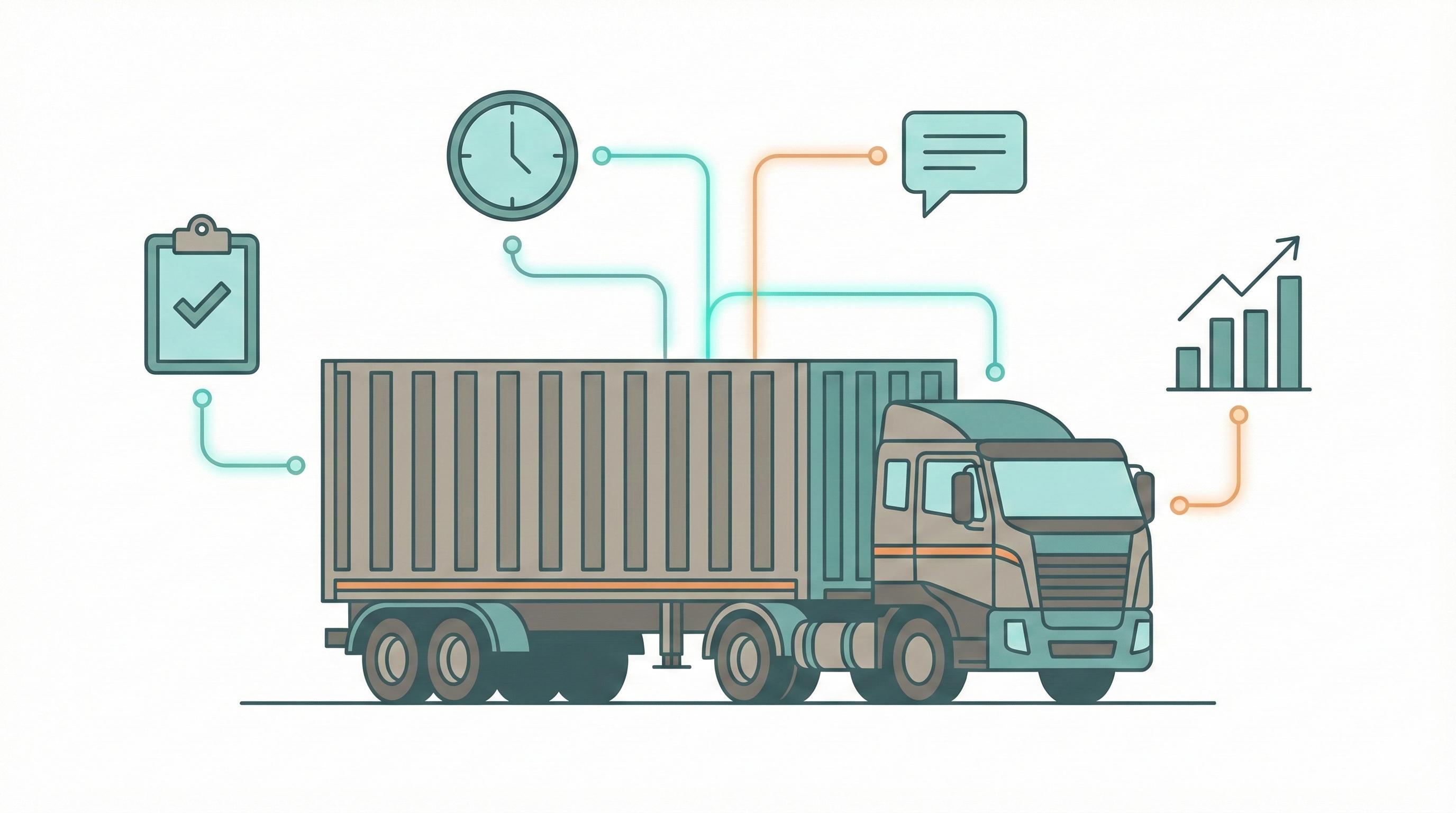
Key Results
- Admin time per shipment reduced from 15-20 minutes to 5-7 minutes (60% reduction)
- Friday reporting time reduced from 4+ hours to 15 minutes
- New team member onboarding reduced from 3-4 weeks to 1 week
- Eliminated equivalent of 1.5 full-time employees worth of manual work
The Challenge
This is the pattern we encounter in most logistics and freight forwarding operations with 10-50 employees: Managing shipment tracking, customs documentation, client communication, and invoicing through a patchwork of spreadsheets, WhatsApp messages, and email.
The operations team ends up drowning in manual data entry. Every shipment requires updating 3-4 separate systems: the tracking spreadsheet, the client's status email, the customs documentation folder, and the invoicing tool. Nothing is connected.
Common Pain Points
- Time drain: A single shipment status update requires 15-20 minutes of manual work across multiple tools
- Reactive communication: Client inquiries about shipment status require someone to stop, look up the information, and manually type a response — often on WhatsApp
- Reporting burden: Weekly reporting takes an entire Friday afternoon to compile
- Training bottleneck: New team members take 3-4 weeks to become productive because processes live in people's heads
Our Approach
Phase 1 — Process Mapping
We document every step involved in processing a shipment from booking to delivery. In our experience, these audits often reveal 40-50+ distinct manual touchpoints per shipment that can be streamlined or automated.
Phase 2 — Integration and Automation
We connect systems and eliminate manual handoffs:
- Link the tracking system to the invoicing tool so shipment milestones automatically trigger invoice generation
- Set up automated client notifications via email and WhatsApp at key milestones (booking confirmed, cleared customs, out for delivery)
- Create a centralized dashboard that pulls live data from all systems — eliminating the Friday reporting scramble
- Build document templates for customs paperwork that auto-populate with shipment data
Phase 3 — Training and Documentation
We train the team on the new workflows and provide documentation for every process, ensuring knowledge is captured and new team members can get up to speed quickly.
Technology Stack
These solutions typically use off-the-shelf integration tools, a shared dashboard platform, and template automation. Total tech stack cost is usually under $200/month.
Note: No AI is required for this use case. The solution is built entirely with integration and automation tools.
Outcomes You Can Expect
Based on implementations with similar operations:
- Admin time per shipment: Dropped from 15-20 minutes to 5-7 minutes — a 60% reduction
- Client satisfaction: Improved because status updates arrive automatically instead of requiring them to ask
- Friday reporting: Went from 4+ hours to 15 minutes of reviewing an auto-generated dashboard
- New team members: Became productive in 1 week instead of 3-4 weeks
- Workforce impact: Operations typically see the equivalent of 1.5 full-time employees' worth of manual work eliminated
Typical timeline: 5 weeks from kickoff to full deployment.
About This Use Case
This scenario represents a common pattern we've solved for logistics and freight forwarding companies. While not based on a single specific client, the challenges, approach, and results reflect real implementations across multiple engagements. The methodology has been refined through our work digitizing operations and managing complex multi-country projects since 2014.